Product updates

What's New

New updates and improvements to FamilyBranch

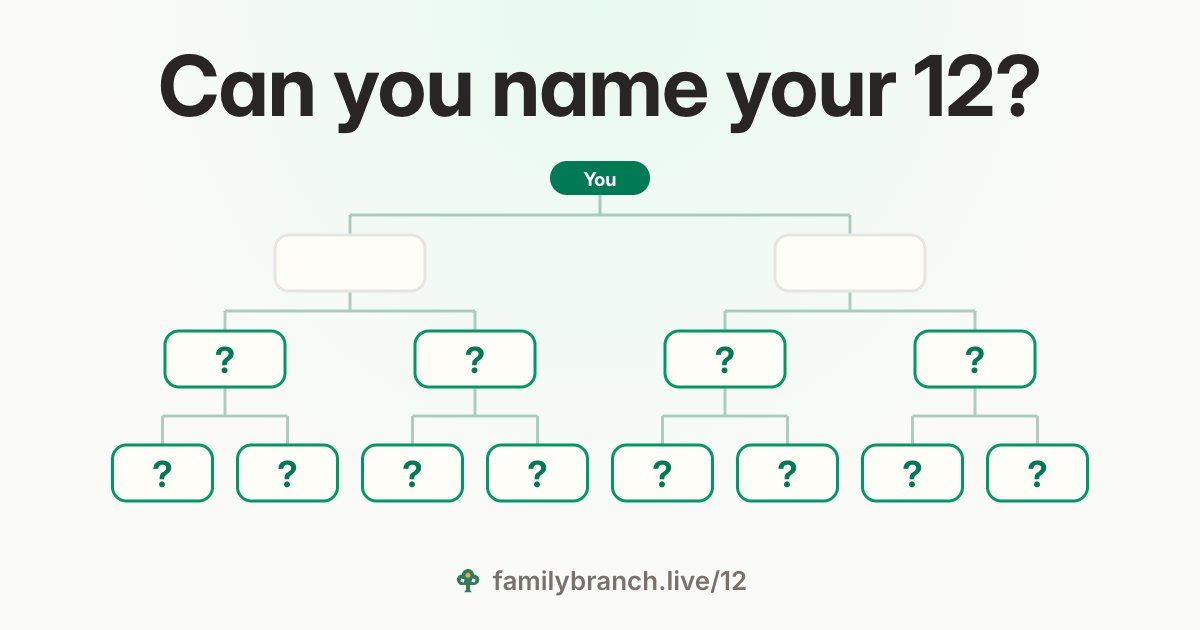
“Can you name your 12?” over an empty family tree: you, your two parents, and a question mark for each of your 4 grandparents and 8 great-grandparents

Name your 12: a family game for one minute

Can you name your 4 grandparents and 8 great-grandparents? Try it in a minute, on your phone and without an account, then send your score to the family and see who knows more.

  • Your score goes out as a row of squares, a green one for every name you knew. The names themselves stay in your browser.
  • For each side you choose whose it is, your mother’s or your father’s, so two mums or two dads fit too. A side you know nothing about can be skipped.
  • Save your 12 to your family tree, a new one or the one you have: they go on it as your grandparents and great-grandparents. Only empty places are filled, so nobody already on your tree is changed.
  • Play with someone in your family: open their card on the tree and write down the names they give you. Or dare them: their invitation asks “can you name your 12?” and opens the game on their own card.
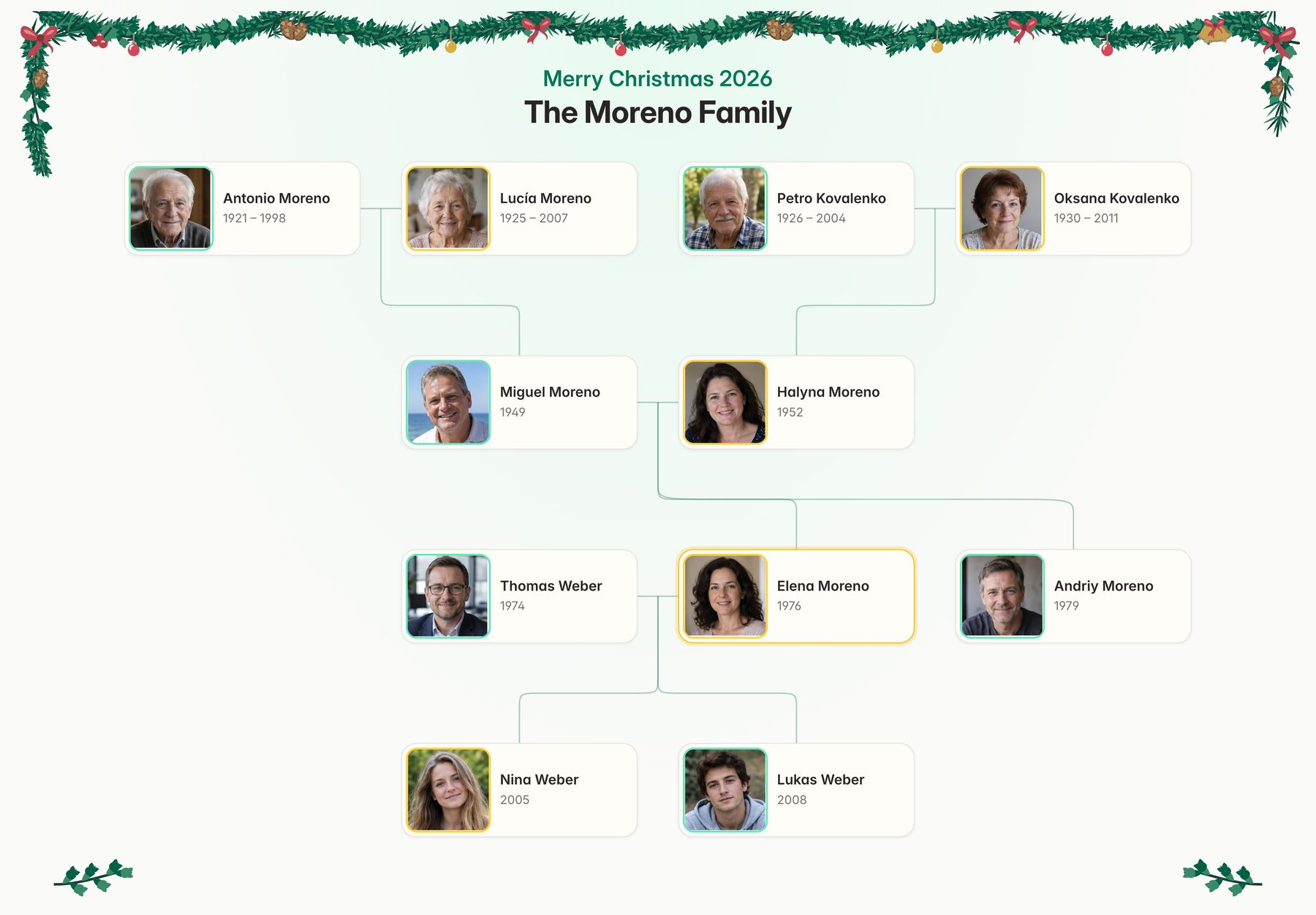
The Moreno family tree poster with snow and fir along its edges and a Christmas greeting over the title

A winter poster for Christmas and New Year

Print your family tree for the holidays: a fir garland along the top of the sheet, and a greeting over your family's name.

  • Pick Winter among the decorations in the print preview, and the poster redraws with it. Each style dresses it in its own colours.
  • Your family's name stays the title, and the tree keeps everyone it had.
  • The birthday balloons are a decoration too now: one decoration per poster, or none.
  • Free on every plan, as a PDF to print or a picture to send.
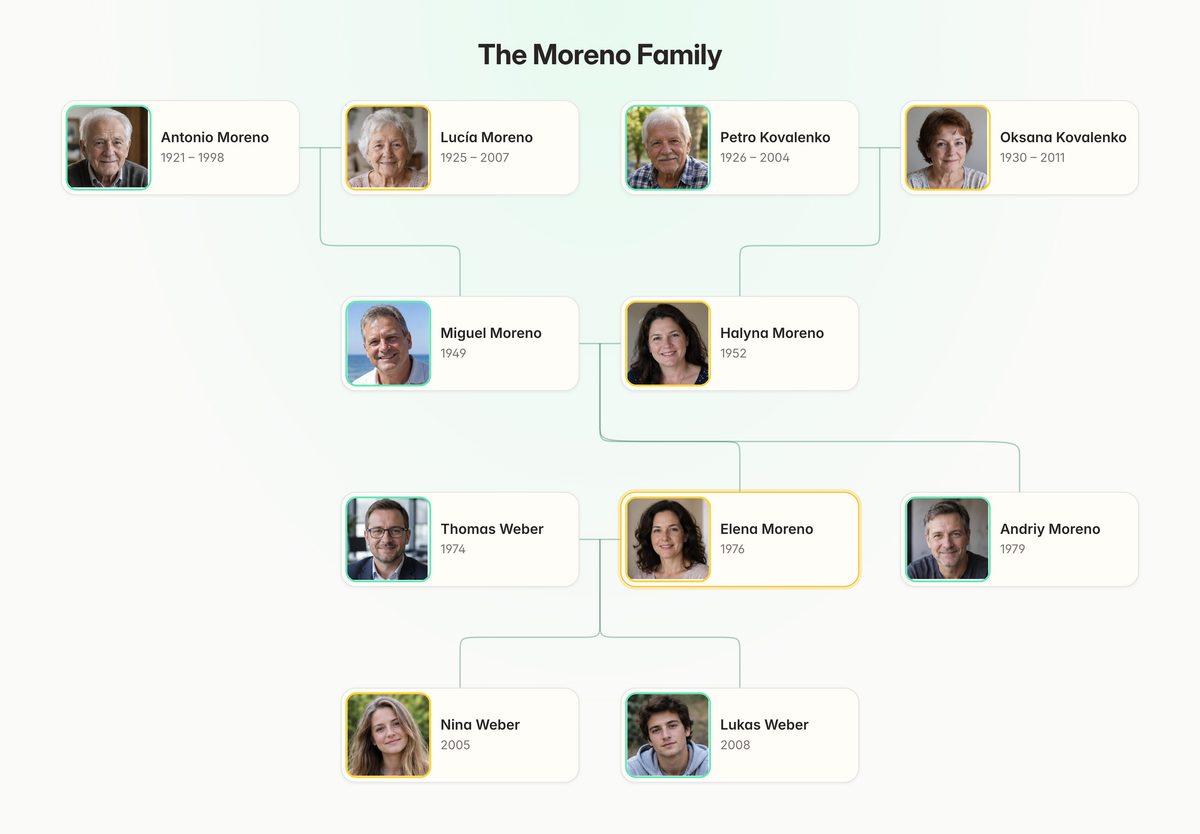
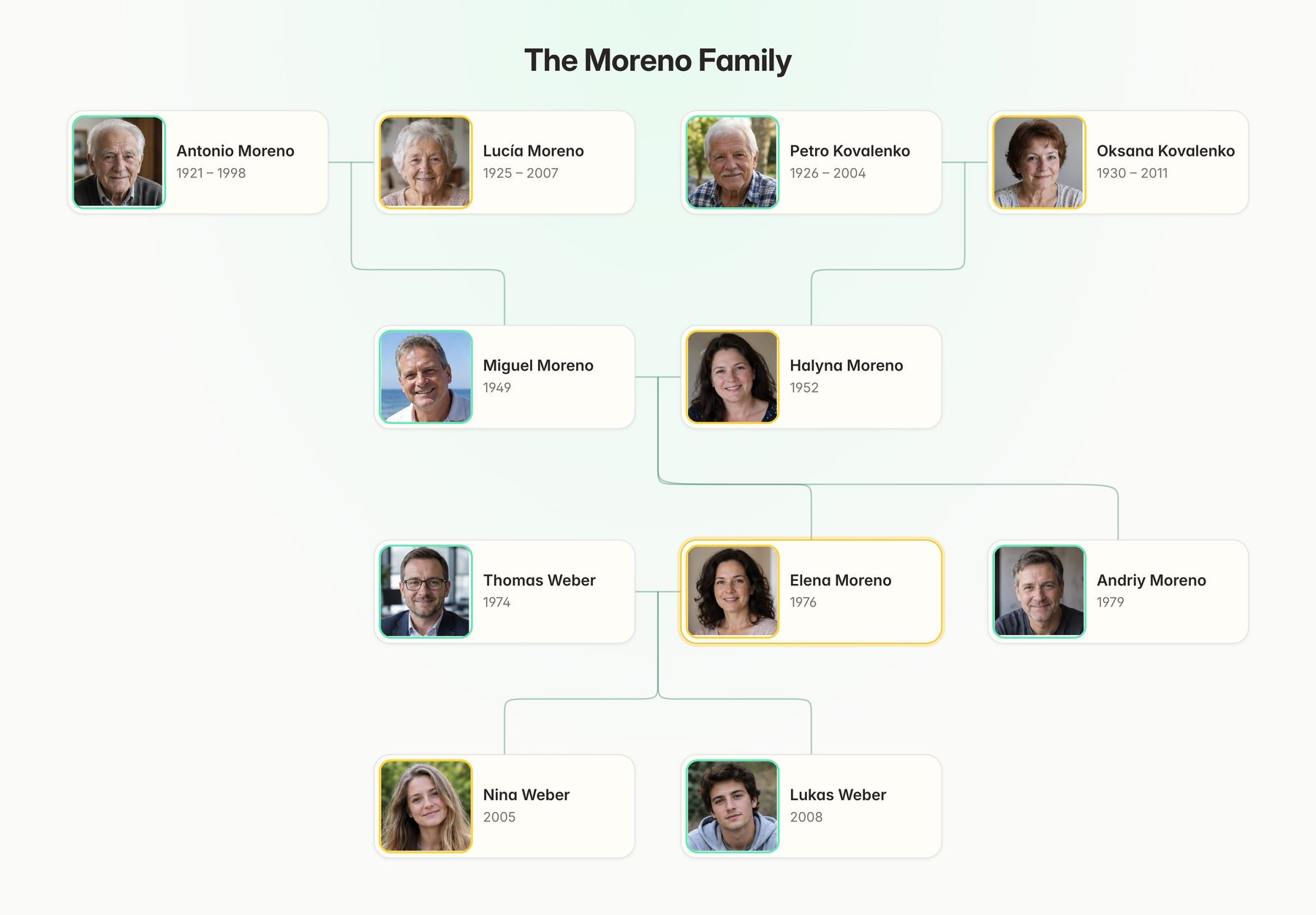
The Moreno family tree poster in the Classic style
Classic
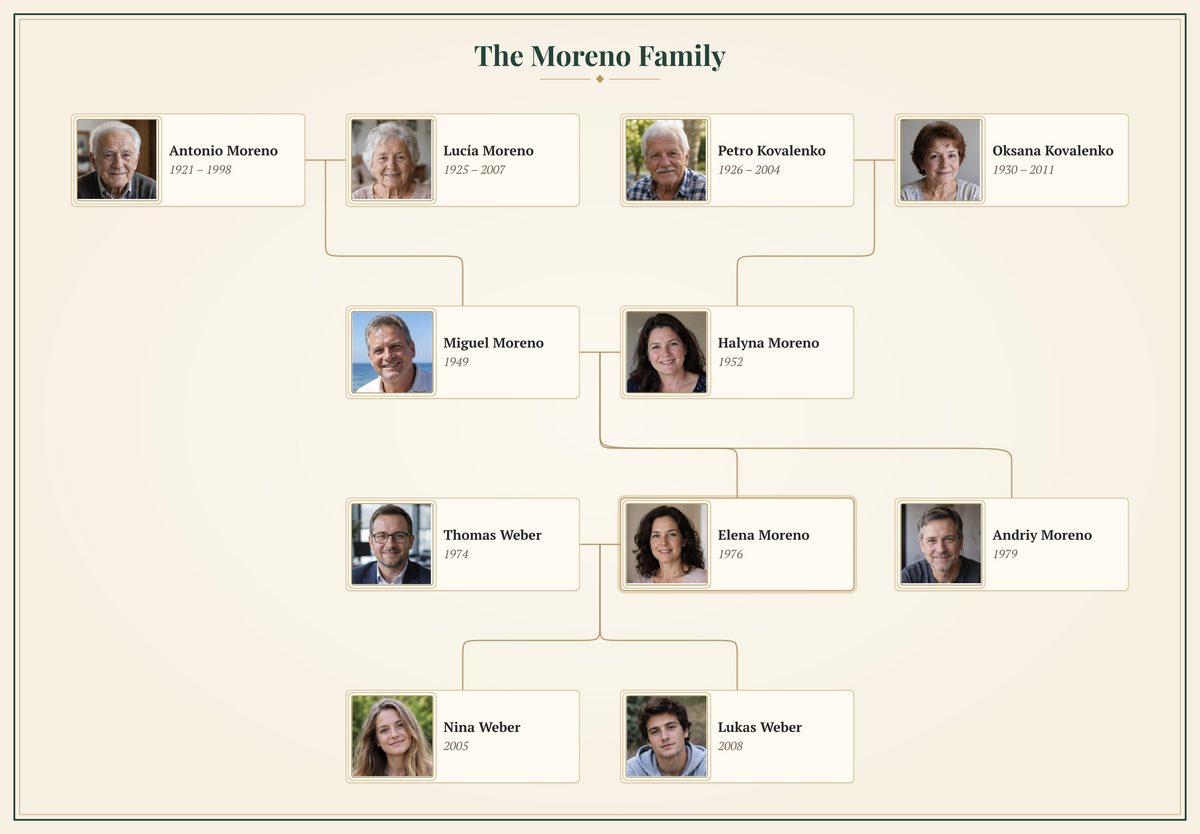
The Moreno family tree poster in the Heritage style
Heritage
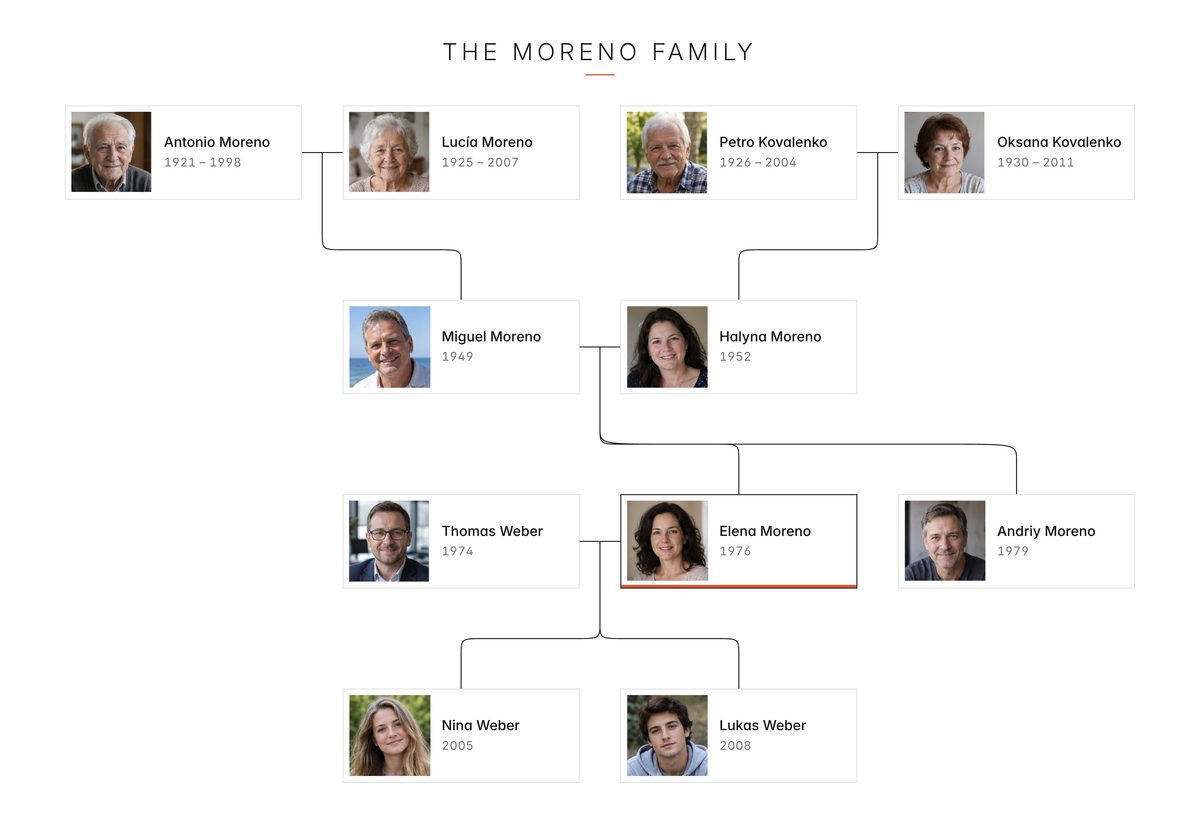
The Moreno family tree poster in the Minimal style
Minimal
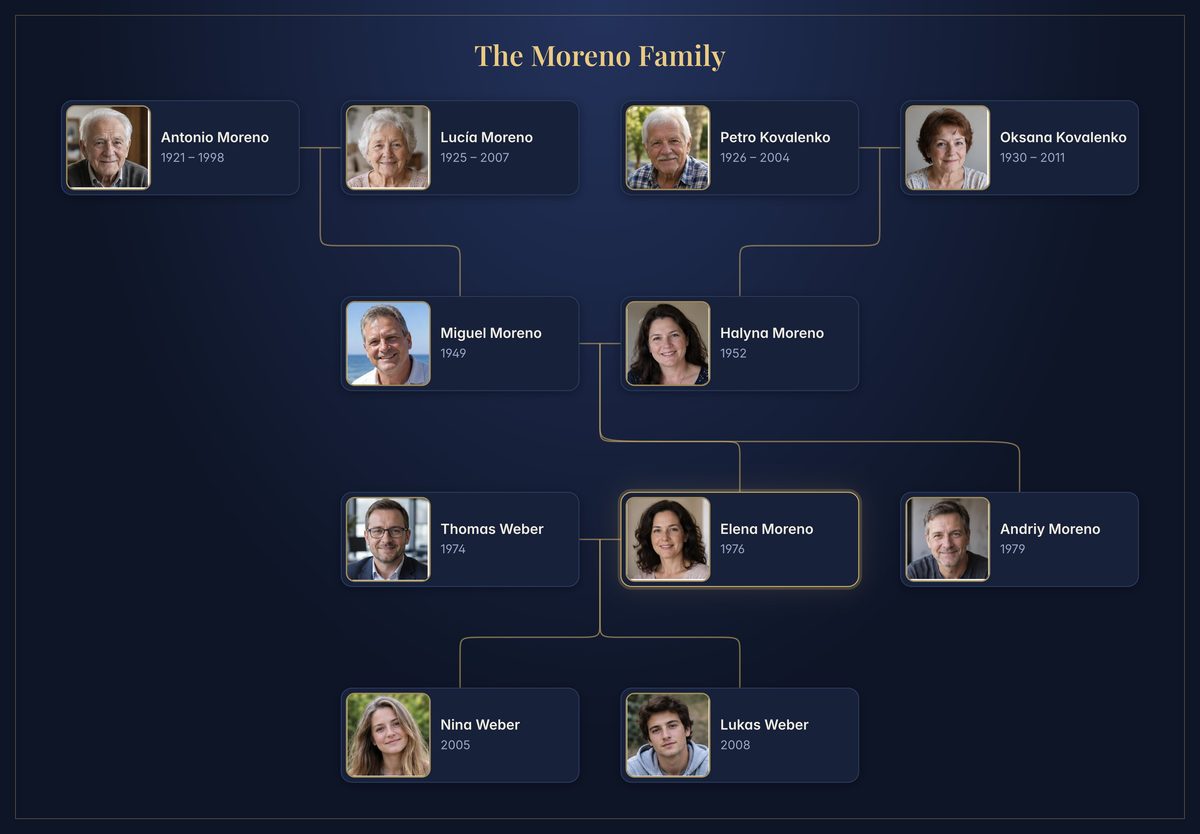
The Moreno family tree poster in the Night style
Night

Four styles for your printed tree

Choose how your poster looks before you print it: Classic, Heritage, Minimal or Night. The people, the photos and the layout stay as they are; the paper, the frame, the colours and the typefaces change. Every style is included in every plan, even the free one.

  • The styles open the print preview, each tile a small sheet in its own colours. Pick one and the poster redraws in it.
  • Classic is the poster you know. Heritage is ivory paper in a green and gold frame, with serif names. Minimal is white, with thin lines and spaced capitals. Night is navy and gold.
  • A poster no longer turns dark because your computer is in dark mode. Night is there when you want it.
  • Your tree's next poster opens in the style you printed it in last.
  • Balloons and confetti from “Festive design” take on the colours of the style you pick.
  • Each style brings its own typefaces, Latin and Cyrillic, so a PDF prints the same at any print shop.
A four-generation family tree poster with a large photo on every card
September 29, 2026
Improvement

Posters your way: bigger photos, nicknames, and dates only if you want them

Every poster got a closer look. Faces are bigger, names have more room, and the sheet says exactly what you want it to say.

  • Each card now carries a photo the full height of it, sharp even on a large print.
  • Untick “Birth and death dates” in the print preview and the years leave the poster; the names grow into the room they leave.
  • Give anyone a nickname in their profile and tick “Nicknames” when you print: Grandma Nina instead of Nina Petrenko, wherever someone has one.
  • The title stands alone at the top of the sheet, with no people count or date under it.
  • Head your tree with a family photo from its settings. It shows on your list of trees, in the tree and on its view-only links.

Bring your tree from Ancestry, MyHeritage or FamilySearch

Years of work should not have to be typed in again. FamilyBranch now reads and writes GEDCOM, the file every family tree program exports.

  • Import a GEDCOM file of up to 5,000 people into a new or empty tree. People, parents, partners, dates and places come over, a summary says what stayed behind, and you pick which one is you.
  • Download the whole tree as a GEDCOM file from its settings, on every plan, with the option to leave out living relatives' details.
  • Dates no longer have to be exact: a birth can be known to the day, the month or only the year, and marked approximate, as in “c. 1850”.
  • On the free plan, a tree of more than 25 people can still be viewed, printed and shared; editing it needs the Family plan.
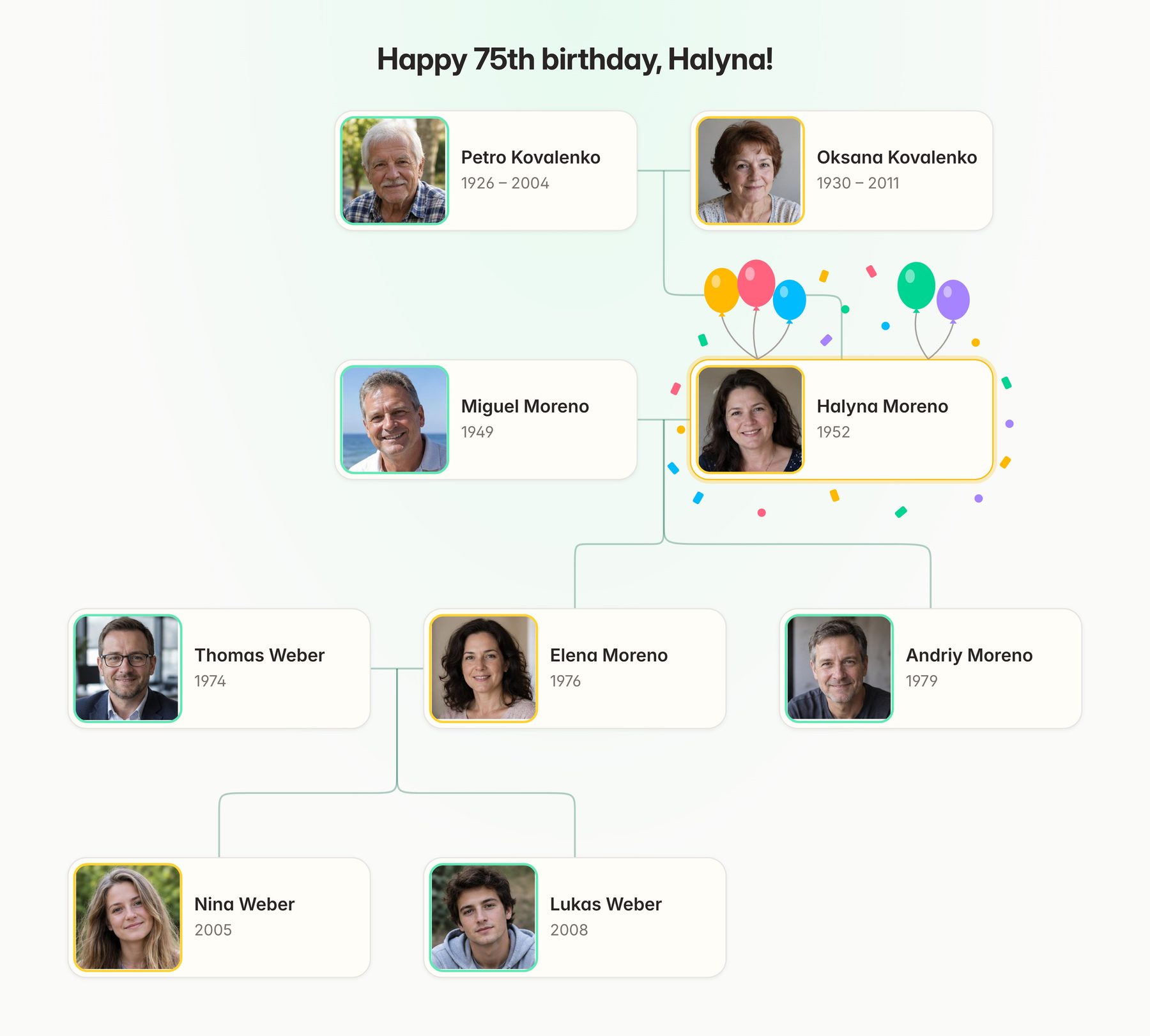
A festive family tree poster titled “Happy 75th birthday, Halyna!”, with balloons and confetti around her card

Birthday posters with balloons and confetti

Tick “Festive design” in the print preview and the person the tree is centred on gets balloons and confetti around their card. The title becomes the greeting, “Happy 75th birthday, Halyna!”, with the age worked out from their birth date.

  • Included in every plan, even the free one.
  • The decoration sits in the gaps around the card, so nobody else's name is covered.
  • Type your own title and it stays exactly as you wrote it.
  • On the Family plan, birthday reminders tell the whole family a day ahead.

Branches, and a print preview that is the file

A big family does not fit on one sheet, and not every poster should hold everyone. Now you choose who is on it, and see it exactly before you print.

  • Click anyone to centre the tree on them. A searchable people list finds the relatives the chart leaves out and brings them in with one click.
  • Untick people to leave them off, and save what you see as a branch: Mum's side, the Kovals. Branches are free on every plan.
  • Print opens a preview of the very sheet you will download: who is on it, who is left out and what size it comes out. Change the title before you make it.
  • Your list of trees shows each branch as a poster tile, with its latest print.
  • Zoom buttons and “Fit tree” bring every card back into view, and the editor fits a phone.

Birthday reminders for the whole family

Nobody should hear about Grandma's birthday the day after. On the Family plan, FamilyBranch reminds everyone in the family the day before each living relative's birthday.

  • One email and one notification the day before, at 9:00 Central European time, saying whose birthday it is and the age they turn: “Nina turns 21”.
  • It goes to everyone who can see the tree, so the whole family hears about the same day at the same time. Nobody is reminded of just their own birthday.
  • Hidden and deceased relatives are left out, and so is anyone whose birth date is not known to the day.
  • Reminders are off until an admin turns them on, under “Birthday reminders” on their profile page.

FamilyBranch opens public access on September 6

Public access starts on September 6, 2026. Families can create a private tree, invite relatives to help, and export a clean poster for sharing or printing.

Questions, or an idea for what we should build next? Write to us